Record
Narrate what you remember, even if it is only a place, a person, or a feeling. You can edit the transcript later.
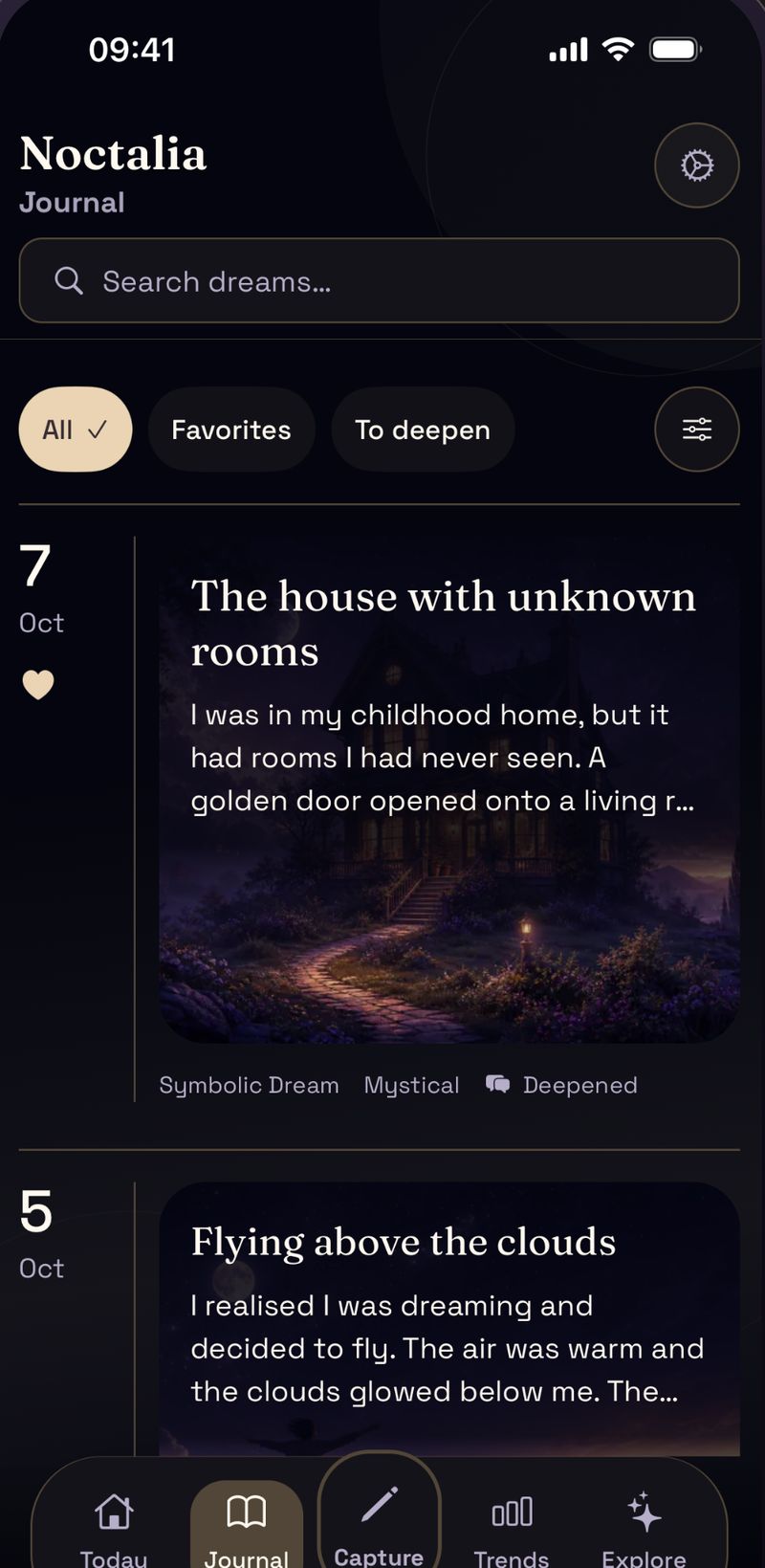
When you wake up, speak what you remember. Noctalia keeps the original account alongside symbols, an optional image, and questions you can return to later.
Android app on Google Play · Reflection tool, not diagnosis
Start with the scene in your own words. Add context or explore possible patterns once you are fully awake.
Narrate what you remember, even if it is only a place, a person, or a feeling. You can edit the transcript later.
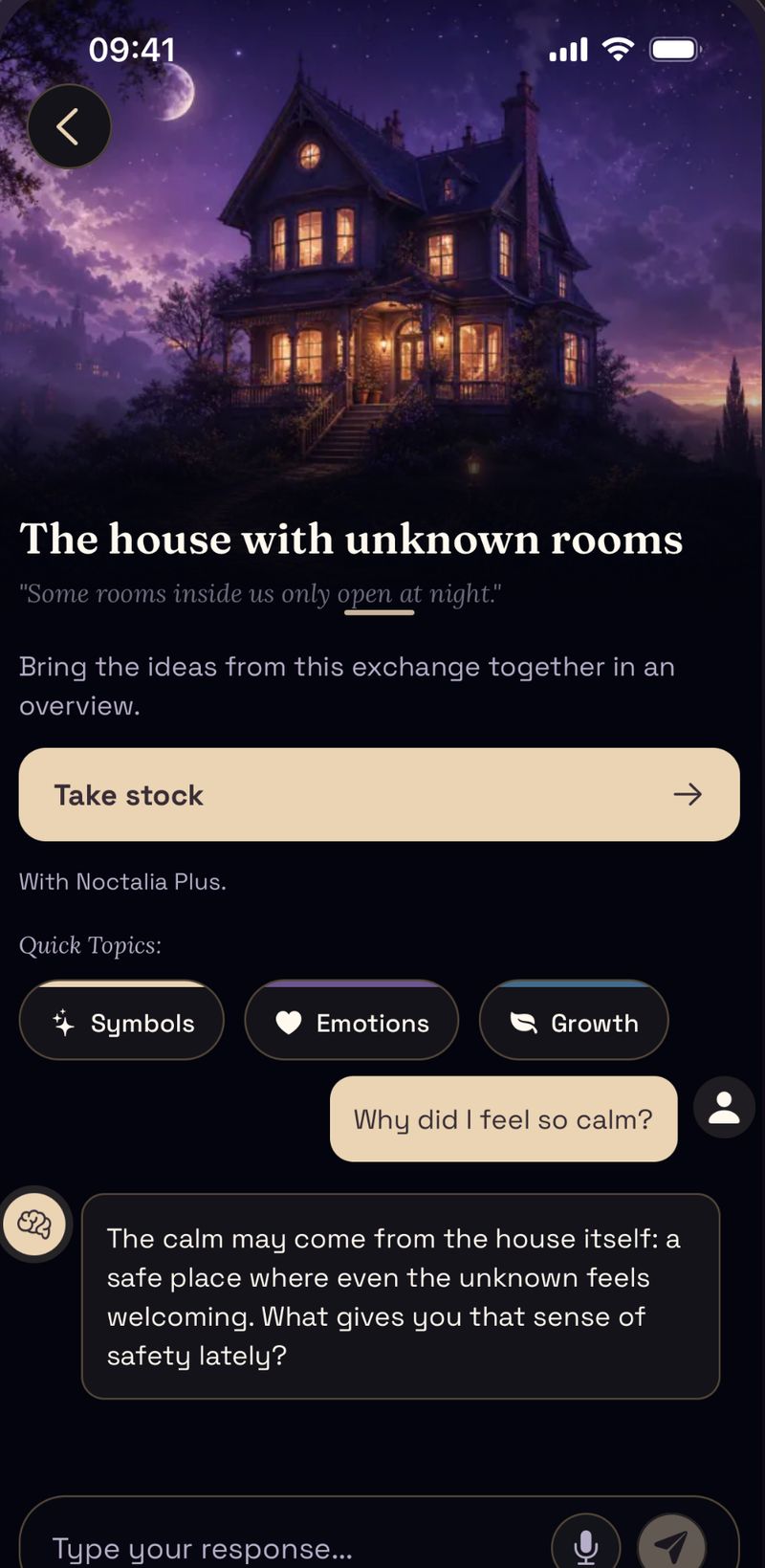
Noctalia transcribes the recording and highlights possible symbols, emotions, and repeated themes in the account.
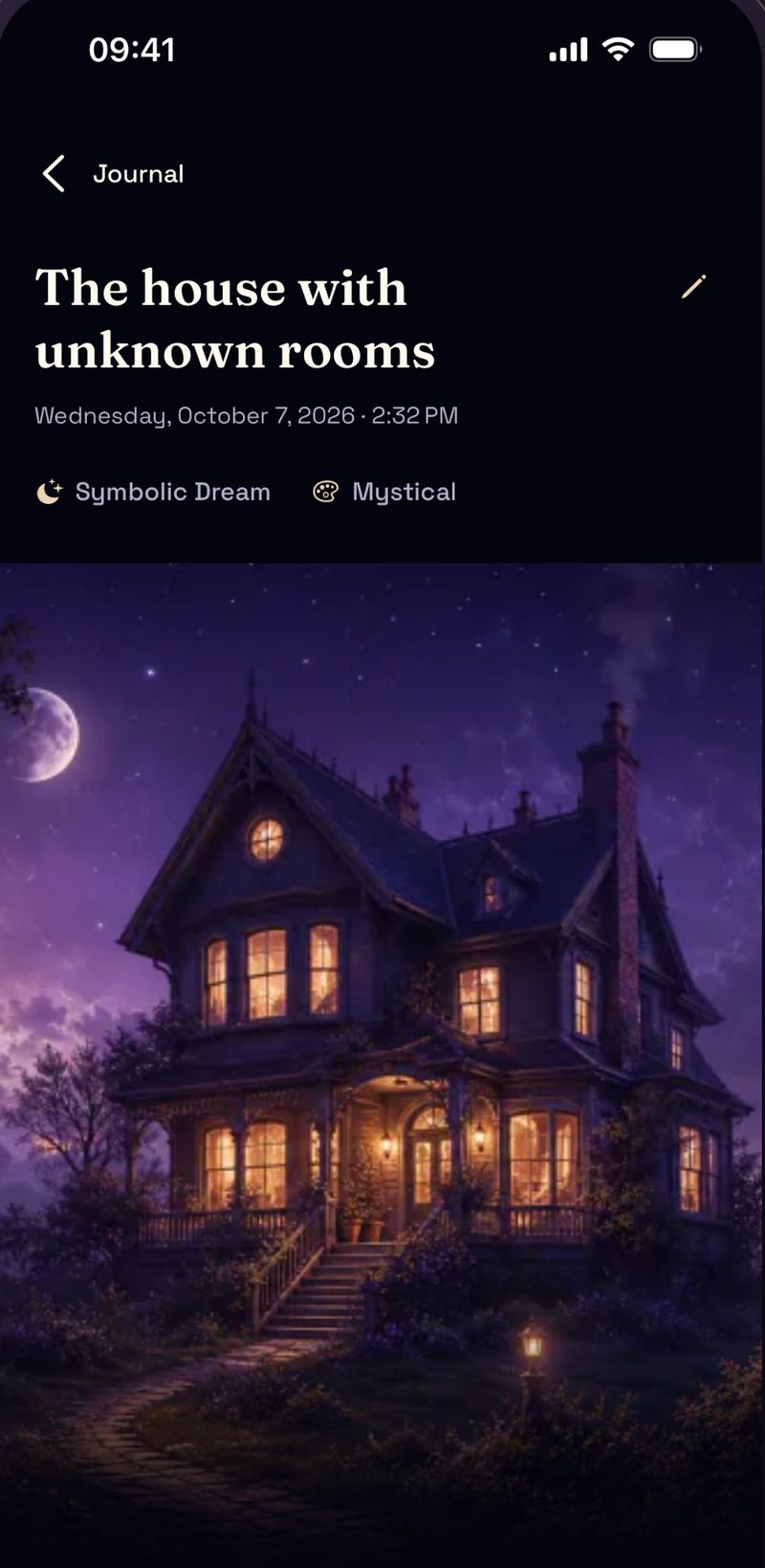
Generate an optional image, then use follow-up questions to test which associations fit your own context.
Keep the original account, then add only the tools that are useful for that particular dream.
Record a short voice note on waking. Noctalia transcribes it so you can correct names, places, and details later.
Generate an image for an entry when a visual reminder would help.
Compare the emotions and themes you recorded across saved entries.
Start with the part you need now: faster capture, guided reflection, symbol lookup, or an app comparison.
See the voice-capture workflow for the first moments after waking.
Learn how guided reflection connects symbols, moods, images, and follow-up questions.
Browse common symbols, then relate them to the context of your saved dream.
Compare approaches to recording, privacy, AI features, and pricing.
A short voice note is easier than writing a polished entry while you are still half asleep.
Dream entries can sit alongside the questions, people, and emotions you want to revisit.
Saved entries make it easier to compare the scene and your reaction each time it appears.
Record dreams and try the reflection tools before deciding whether you need more.
Google Play shows the monthly or annual option available for your country and account.
Google Play shows the applicable price, billing period and any eligibility before purchase.
Noctalia reads the dream account and suggests themes, symbols, and questions to consider. These are prompts for reflection, not a diagnosis or a single correct meaning.
Yes. Your transcripts and notes are encrypted in transit and stored securely. Voice audio is used only for transcription and is not persistently stored by Noctalia. Noctalia does not sell personal data or use targeted advertising; access is limited to you and the service providers needed to deliver the app.
Yes. If you prefer not to wake your partner or simply enjoy writing, a full text editor is available alongside voice capture.
You can type and save a dream without a connection. Voice transcription works offline on Android 13 or later when a compatible speech model is installed. Analysis, image generation, and server sync require a connection and resume after you reconnect.
Browse 150 common dream symbols with context questions and possible associations. The scene and your own reaction matter more than a fixed definition.